


Building reliable software shouldn't require mastering distributed systems.
Yet for developers building AI agents or data pipelines, making async functions reliable typically requires message queues, retry logic, and persistence layers. Adding that infrastructure often takes longer than writing the actual business logic.
The Workflow Development Kit (WDK) is an open source TypeScript framework that makes durability a language-level concept. It runs on any framework, platform, and runtime. Functions can pause for minutes or months, survive deployments and crashes, and resume exactly where they stopped.
Link to headingTurn async functions into durable workflows
At its core, WDK introduces two simple directives that turn ordinary async functions into durable workflows, handling the work of queues, retry logic, and persistence layers.
The use workflow directive defines a function as a durable workflow:
export async function hailRide(requestId: string) { "use workflow";
const request = await validateRideRequest(requestId); const trip = await assignDriver(request); const confirmation = await notifyRider(trip); const receipt = await createReceipt(trip);
return receipt;}This example defines a durable workflow that coordinates multiple steps in a ride-hailing flow. Each step runs independently and can persist, pause, and resume across deploys or failures.
The workflow function calls four step functions. Each step is defined with use step, which marks a unit of work that automatically persists progress and retries on failure:
async function validateRideRequest(requestId: string) { "use step"; // Validate the ride request and get rider details const response = await fetch(`https://api.example.com/rides/${requestId}`); // If this fetch fails, the step will automatically retry if (!response.ok) throw new Error("Ride request validation failed");
const request = await response.json(); return { rider: request.rider, pickup: request.pickup };}
async function assignDriver(request: any) { "use step"; // Assign the nearest available driver}
async function notifyRider(trip: any) { "use step"; // Notify the rider their driver is on the way}
async function createReceipt(trip: any) { "use step"; // Generate a receipt for the trip}Each step runs in isolation and automatically retries on failure. In this example, the first step validates a ride request by calling an external API, while later steps assign a driver, notify the rider, and generate a receipt.
WDK compiles each step into an isolated API Route. Inputs and outputs are recorded, so if a deploy or crash occurs, the system can replay execution deterministically.
While the step executes on a separate route, the workflow is suspended without consuming any resources. When the step is complete, the workflow is automatically resumed right where it left off.
This means that your workflows can pause for minutes, or even months.
import { sleep } from "workflow";
export async function offerLoyaltyReward(riderId: string) { "use workflow"; // Wait three days before issuing a loyalty credit await sleep("3d"); // No resources are used during sleep
return { riderId, reward: "Ride Credit" };}Some workflows need to wait for hours or days before continuing. This example pauses execution for three days before issuing a loyalty reward to the rider, without consuming resources or losing state.
WDK is built to be a lightweight framework using familiar JavaScript semantics. You can use async and await exactly as you do today. There's no need to write YAML, define state machines, or learn a new orchestration syntax. Instead of wiring together message queues or schedulers, you simply declare how your logic should behave and WDK handles the rest.
Link to headingWebhooks: Pause and Resume with External Events
Workflows often need to wait for external data before continuing, like a payment confirmation, user action, or third-party API response. With WDK, you can pause a workflow until that data arrives using webhooks.
A webhook creates an endpoint that listens for incoming requests. When an external event sends data to that endpoint, the workflow automatically resumes right where it left off, no polling, message queues, or state management required.
import { createWebhook, fetch } from "workflow";
export async function validatePaymentMethod(rideId: string) { "use workflow";
const webhook = createWebhook(); // Trigger external payment validation with callback to webhook URL await fetch("https://api.example-payments.com/validate-method", { method: "POST", body: JSON.stringify({ rideId, callback: webhook.url }), });
// Wait for payment provider to confirm via webhook const { request } = await webhook; const confirmation = await request.json();
return { rideId, status: confirmation.status };}Webhooks let a workflow pause until data arrives from an external service. Here, the workflow sends a callback URL to a payment provider, waits for validation, then resumes automatically once confirmation is received.
Link to headingReliable, durable, and observable by default
From the first trigger to the final result, everything that happens inside a workflow is stored inside an event log, and visible to you at a glance.
Every step, input, output, pause, and error is recorded and easily accessible, not just through the API, but also visually through the included CLI and Web UI.
Track your runs in real time, trace failures, and analyze performance metrics, without writing a single extra line of code.
Link to headingWorkflows run anywhere with Worlds
Workflows in WDK are designed to run on any platform, framework, and runtime. Each environment, called a World, defines how execution, orchestration, and persistence are handled. This makes your code portable across runtimes and clouds without any changes.
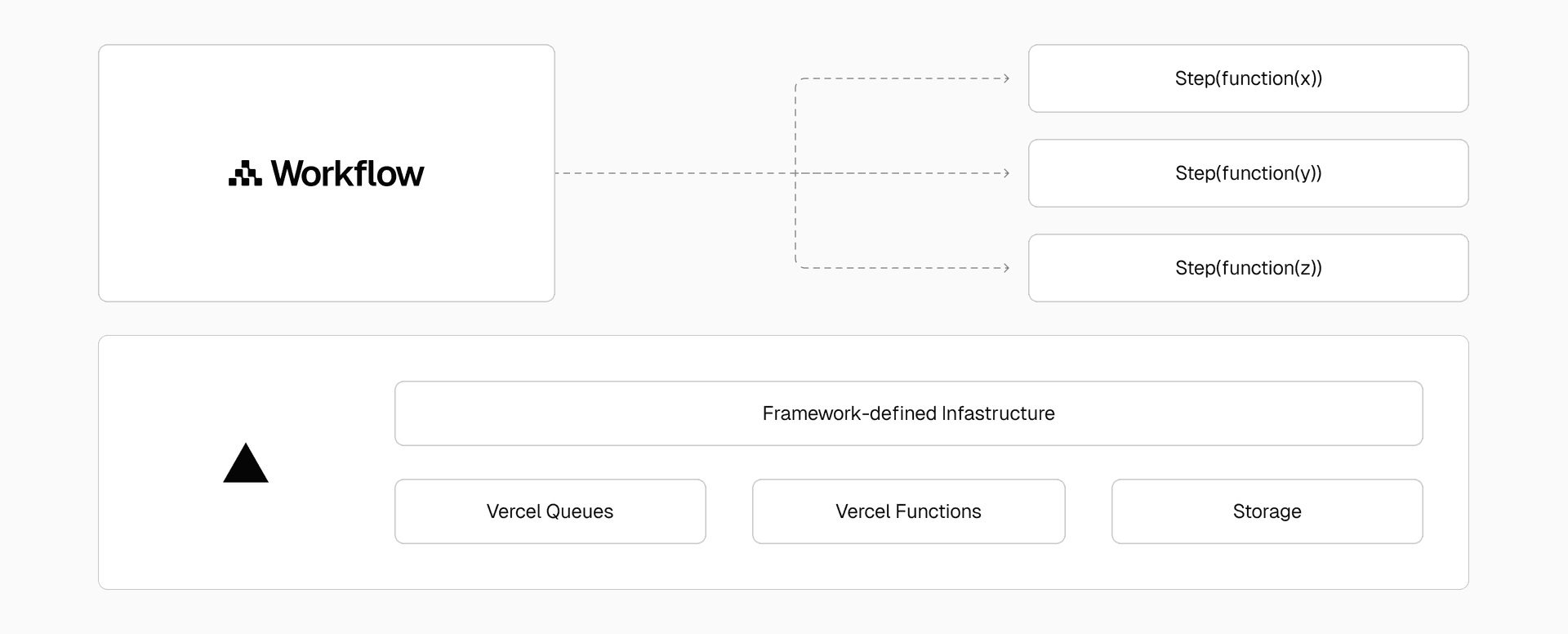
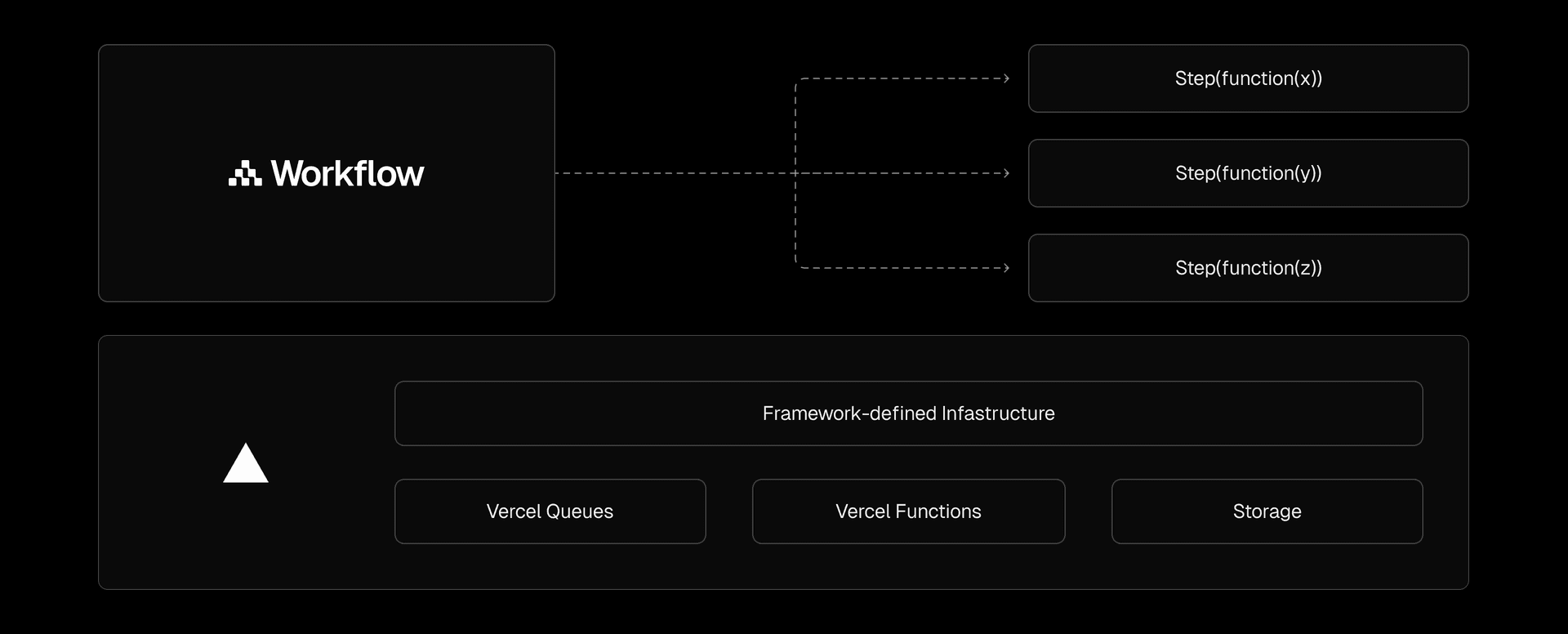
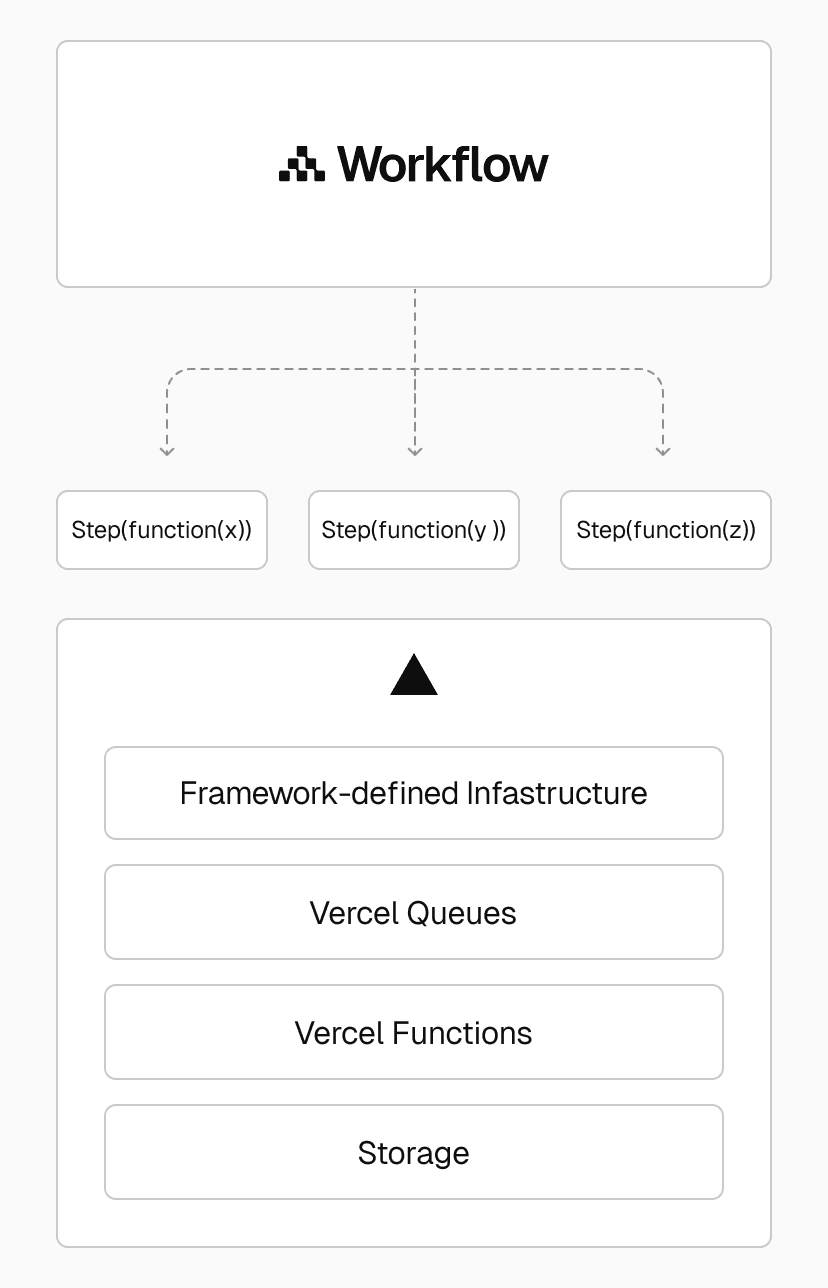
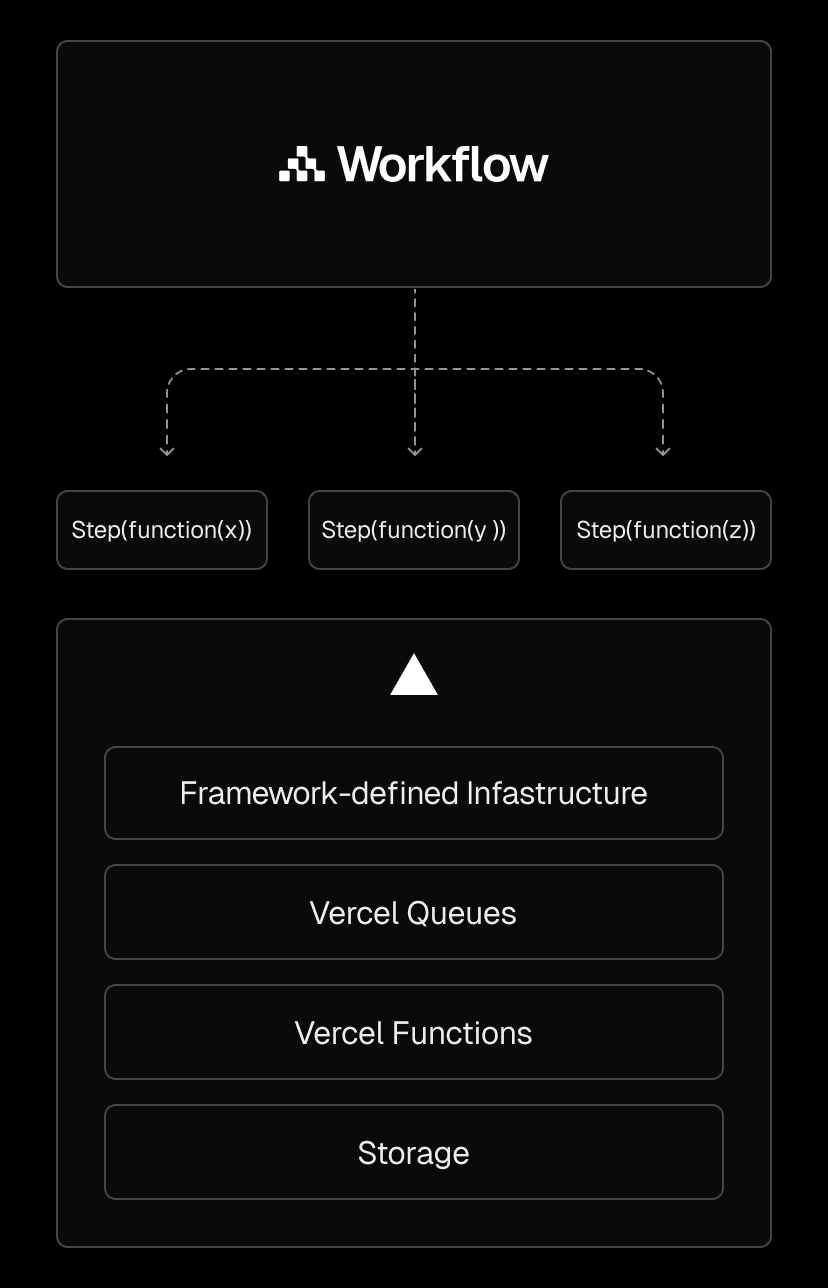
During local development, the Local World provides virtual infrastructure so workflows can execute without provisioning queues or databases. In production, the Vercel World uses Framework-defined infrastructure (FdI) to automatically set up persistence, queues, and routing. The same code you test locally behaves identically when deployed at scale.
Worlds are extensible. You can build and deploy WDK on other runtimes or cloud providers by implementing a custom World. We've published a reference implementation of a Postgres World on GitHub, and the community has already created third-party Worlds using databases like Jazz.
WDK follows the Vercel Open SDKs philosophy. There is no vendor lock-in. Whether you run on Vercel or elsewhere, your workflows remain portable, reliable, and observable.
Build natural language image search
Use this template to build an AI-powered image search application with automatic description generation and indexing for semantic search.
Deploy now
Link to headingBuilt for systems that need intelligence and reliability
The Workflow Development Kit is designed for systems that must be both intelligent and dependable.
AI agents that reason across long contexts need to pause between API calls. RAG pipelines that ingest and embed data over time need to survive crashes during multi-hour processing. Commerce systems that wait for user confirmations need to pause for days without consuming resources.
By extending JavaScript with durability semantics, the Workflow Development Kit removes one of the biggest barriers to reliability in modern applications. It lets developers focus on logic, not infrastructure. You write async code. WDK makes it durable, locally or at scale on Vercel.
Reliability has always been something developers had to build around. With WDK, it’s finally something you can build with.
Start building durable workflows
Use familiar JavaScript to build workflows that persist across deploys and crashes. No queues, schedulers, or extra infrastructure required.
Get started