


Deploy any application as a set of powerful Vercel primitives.
We believe the Web is an open platform for everyone, and strive to make Vercel accessible and available no matter how you choose to build for the Web.
Today we’re introducing the Build Output API, a file-system-based specification that allows any framework to build for Vercel and take advantage of Vercel’s infrastructure building blocks like Edge Functions, Edge Middleware, Incremental Static Regeneration (ISR), Image Optimization, and more.
Note: This post is historical. Product names and runtime guidance may have changed. For new projects, use Vercel Functions with the Node.js runtime and Fluid compute. Use Routing Middleware for request-time routing before a response completes.
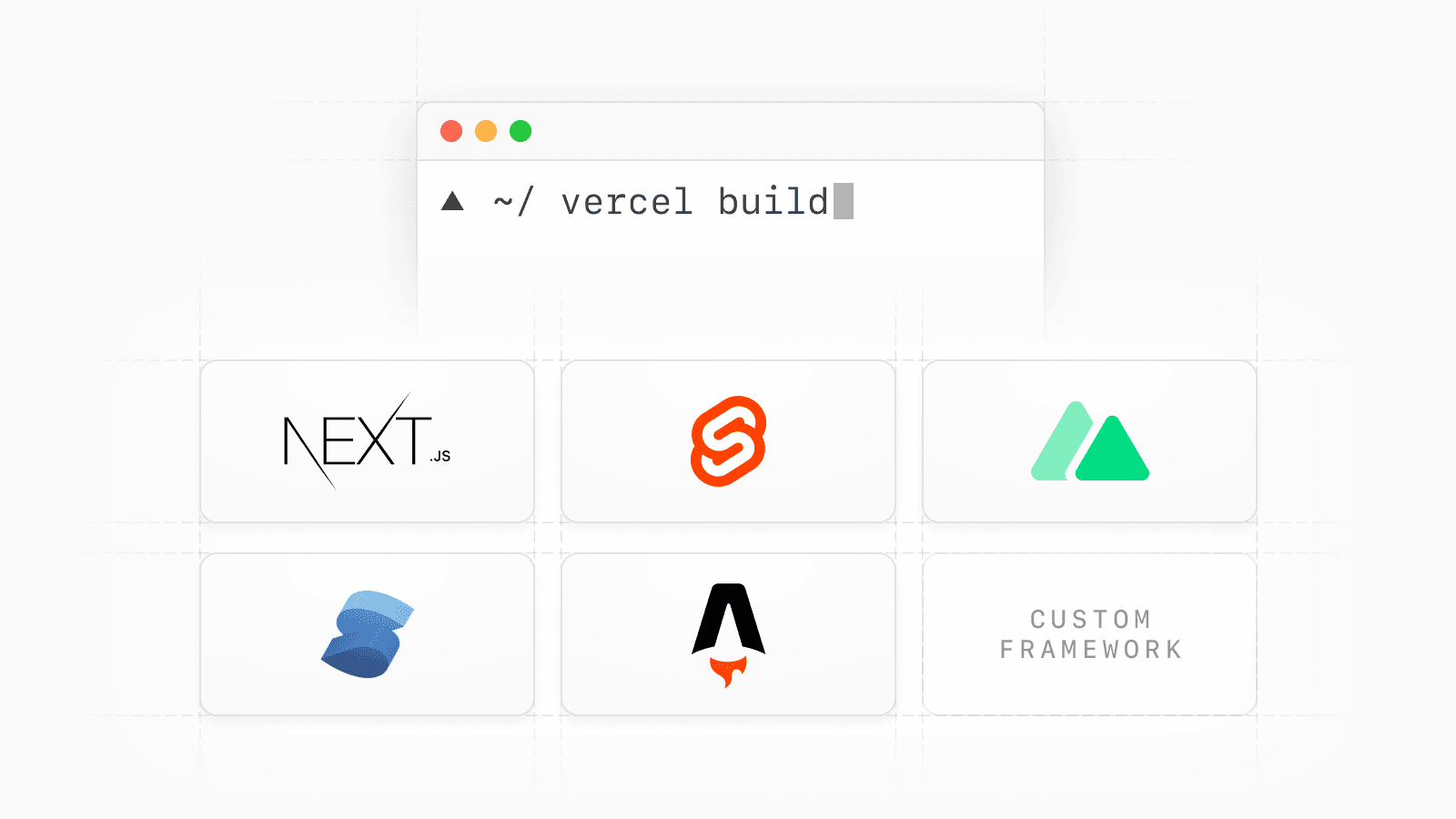
This new specification also allows us to bring powerful capabilities to Vercel CLI including:
vercel build: Build a project locally or in your own CI environmentvercel deploy --prebuilt: Deploy a build output directly to Vercel, bypassing the Vercel build system
Update to the latest version of Vercel CLI (npm i -g vercel) to try these out, and check out the documentation.
Link to headingPowering new capabilities with Vercel CLI
We’ve added new commands to Vercel CLI to help developers run and debug builds locally, and deploy them to Vercel.
Link to headingDebug and inspect builds locally
When you build for the Web with frontend frameworks, infrastructure platforms like Vercel need to transform the framework output into a format that the platform can understand.
With vercel build, we’ve integrated massive portions of that build system into our open-source CLI, allowing you to build your entire project locally, replicating the results of the Vercel build system.
When you run vercel build, Vercel will automatically detect your frontend framework and generate a .vercel/output folder that conforms to the Build Output API spec, containing all the build artifacts needed to deploy your app.
This allows you to debug and inspect builds locally, providing faster iteration loops and increased observability. You can also use the --debug flag to show additional output data during the build.
Link to headingDecouple build from deploy
Previously, every Vercel deployment also performed a build. While this is convenient for many use cases, it didn't work well if your company cannot share source code with Vercel or your CI already performed a build.
With vercel deploy --prebuilt, the deployment step has been decoupled from the build step. When you’re ready to deploy to Vercel, you can send your prebuilt output from your local machine or CI system without sharing any of your source code with Vercel.
Link to headingBuild native functionality into your own framework
Frameworks like Next.js have been able to utilize Vercel platform features like ISR and Edge rendering through simple configuration options within the framework code.
By opening these capabilities to all frameworks through the Build Output API, we’re giving every framework author the ability to integrate these infrastructure primitives with just as much ease including:
Functions with Edge Runtime
Vercel Functions
Server-side Rendering (SSR)
Static Generation
Image Optimization
...and more
All of these features are supported simply by conforming to the Build Output API specification in the .vercel/output folder. And when you’re ready to deploy, you can use vercel deploy --prebuilt to skip the build step and upload the .vercel/output folder directly if needed.
We believe this is a critical step for empowering any developer to create when inspiration strikes and not be limited by their infrastructure.
Link to headingSupporting all frontend frameworks
We partnered with framework authors to help them adopt the Build Output API for their projects. This has led to some amazing new functionality:
SvelteKit can now run at the edge with Functions with Edge Runtime
Astro can now run at the edge with Functions with Edge Runtime
Nuxt is working on ISR support
We're incredibly excited to support these open-source creators. To continue investing in frontend frameworks, Vercel now sponsors Svelte, Nuxt, Astro, SolidJS, and more.
Let’s hear from some of the framework authors we worked with to adopt the Build Output API:

Vercel is one of our favorites platforms to deploy applications built with Nuxt. Adopting the Build Output API builds upon features our customers already love, like server-rendering, and prepares us for the future as we look to add support for ISR as well as SSR through Edge Functions.

SvelteKit's mantra is it just works, and that applies to deployment as well as development. Fiddling with configuration is no one's idea of a good time, even if that's what web developers have learned to expect. Together with the community, we provide zero-config adapters (or as close as possible) for many different platforms and the Build Output API and vc deploy --prebuilt have made adapter-vercel ridiculously easy to develop. The newest version lets you use Vercel Edge Functions for server rendering. It's fast!

Vercel's new Build Output API makes it ridiculously easy to deploy an Astro website to Vercel. Just add the zero-configuration Vercel adapter to your Astro project (using the @astrojs/vercel package on npm) and then let Astro handle the rest. The new API also lets you unlock new superpowers for your Astro project, like running the entire website on the edge with Vercel's Edge Functions. This is exciting stuff!

I've been very impressed with Vercel's Build Output API. With minimal config and leveraging the file system, it's effortless to generate the infrastructure for a wide variety of projects. As someone building a framework where there's a constant desire to add new features, it takes little more than a quick read of the docs and pointing the output to the right place. From Serverless Functions, Edge Functions and Middleware, prerendering, and routing—the Build Output API has all my needs covered.
Next.js also supports the Build Output API. The Next.js team at Vercel was able to help validate the API design before expanding to the larger framework ecosystem.
Link to headingTry the Build Output API
The Build Output API enables any framework to take advantage of Vercel's infrastructure building blocks. The following frameworks support the Build Output API today with zero configuration:
If you want to create your own framework, check out the Build Output API documentation or learn more about vercel build and vercel deploy --prebuilt.